Smart Study Companion
Load your material.
Generate practice.
Stay in the zone.
MindLoad turns notes, pasted text, PDFs, and scans into flashcards and quizzes. Use Ultra Mode focus sessions, reminders, widgets, and offline practice to keep review consistent.
Review your study sets before you rely on them for an exam.
No subscriptions
Buy token packs when you create new study content. Unused tokens carry over.
Offline practice
After a set is created, practice can continue without an internet connection.
Built for short sessions
Practice in small windows without losing your place.
Works on mobile
MindLoad is available on iOS and Android.
How it works
Three steps from material to practice.
Add your material, create a study set, then return to it in short sessions.
1
Add your material
Use PDFs, notes, pasted text, or a quick scan from your phone.
2
Create flashcards and quizzes
Build a practice set from your material, then review and edit before you study.
3
Practice on a routine
Use focus sessions, reminders, and widgets to make review easier to repeat.
Features
Built for real study habits.
MindLoad focuses on practice and follow through without making promises it cannot keep.
Flashcards
Turn your material into cards you can review and edit.
Quizzes
Practice questions based on your study set to help check understanding.
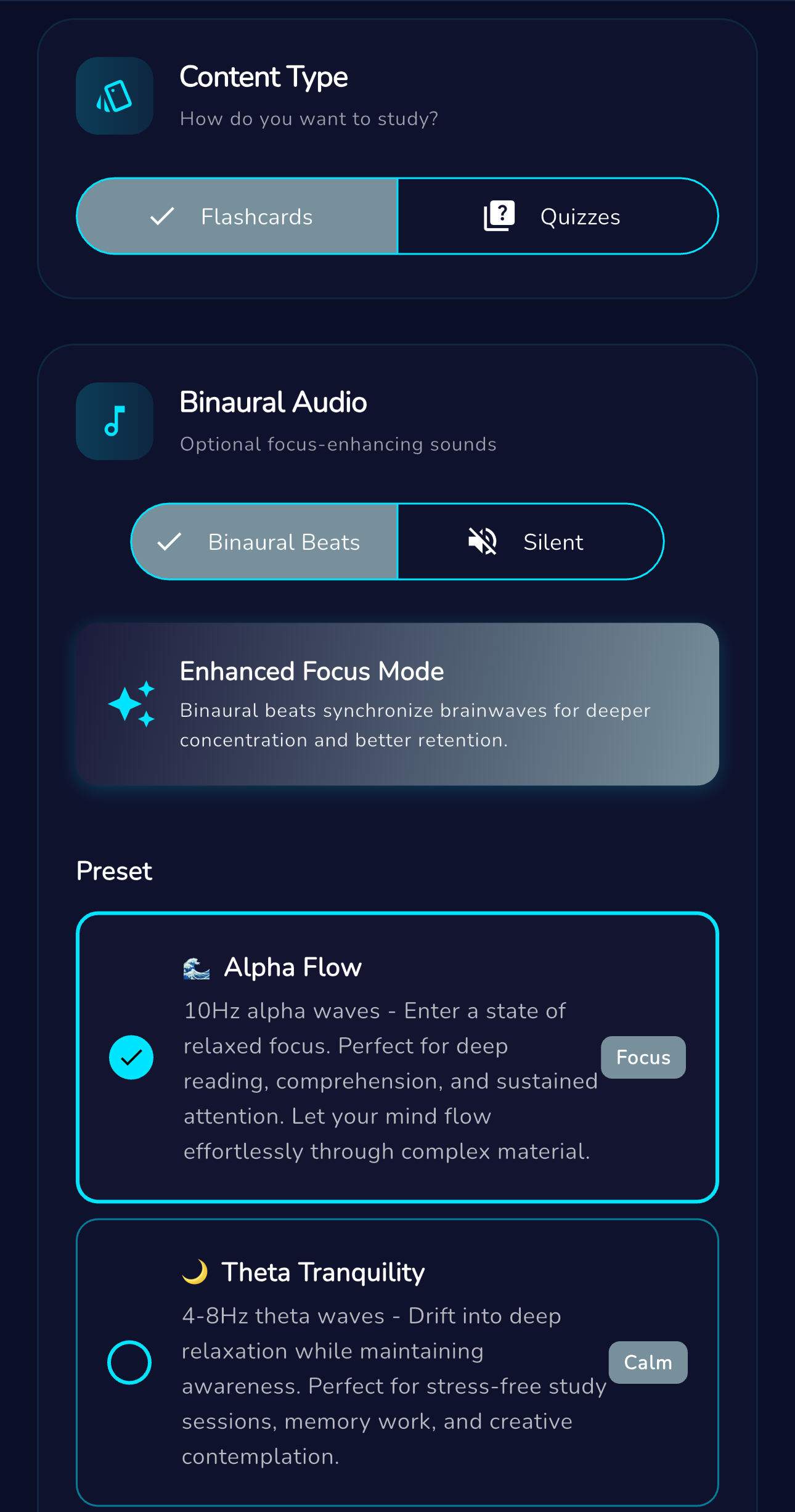
Ultra Mode
Focus sessions with a timer and optional soundscapes.
Offline practice and reminders
Practice after sets are created, with reminders on your device.
Home screen widgets
Open a set and start a session from your home screen.
Scanner and text capture
Scan pages and extract text so you can build a study set.
Progress insights
Track sessions and streaks so you can plan your next review.
Secure sign in
Sign in with Apple, Google, or email, with biometrics when available.
Study plan
Break a topic into milestones and tasks so you can keep a deadline in view.
Summary
Read a condensed overview first, then return to flashcards and quizzes with context.
Ultra Mode
A focus ritual you can actually repeat.
Ultra Mode is designed to help you settle into a focused session. Choose a session length, start the timer, and optionally add an audio soundscape.
10 min warm up
25 min deep focus
45 min long session
Use Ultra Mode with flashcards when you want a short session you can repeat.
Flashcards
Flip through smart cards anywhere.
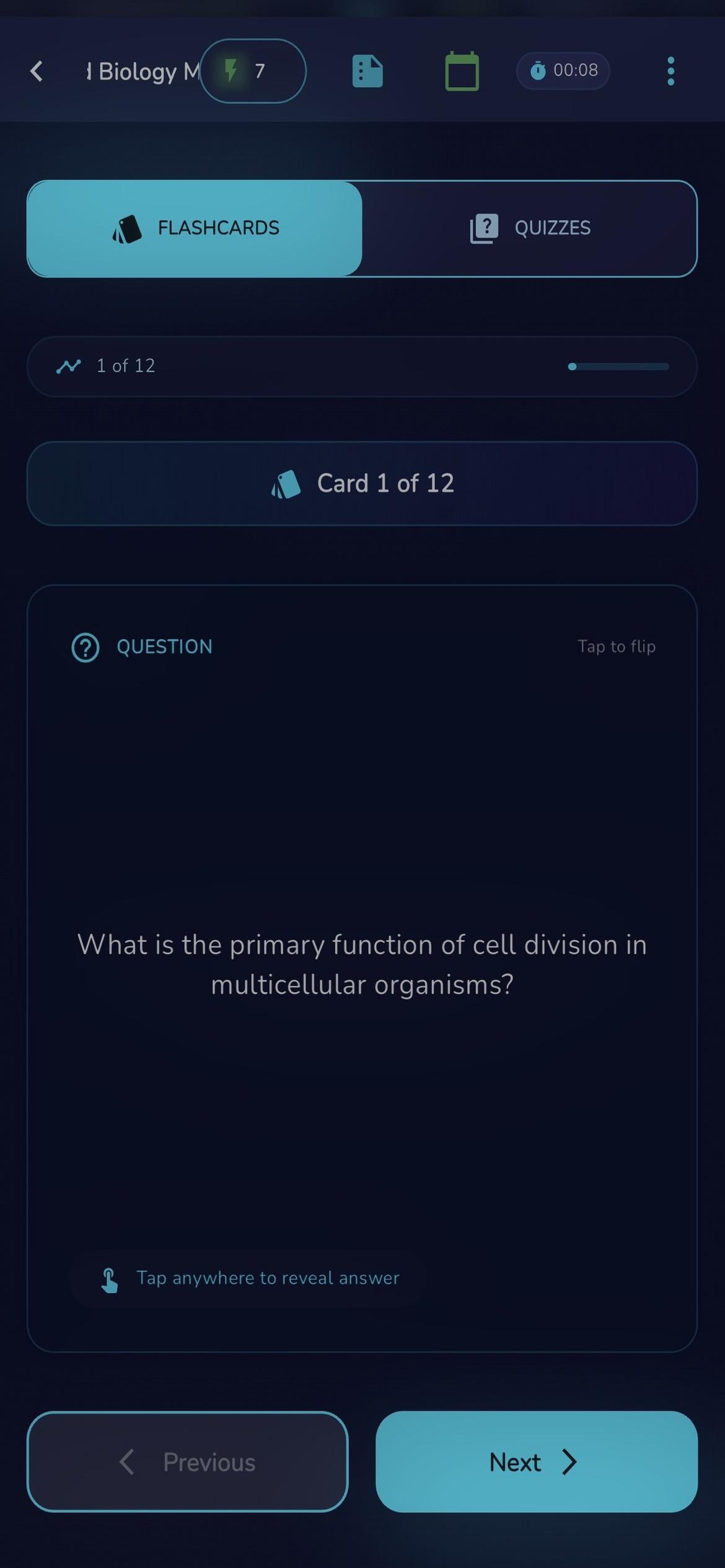
Keep facts and definitions close at hand. Mark cards you miss, revisit them later, and keep sessions short enough to fit a normal day.
Flashcards are built for recall and repetition. They work well when you want a clear next step instead of rereading.
After a set is created, practice can continue without an internet connection.
Quiz Mode
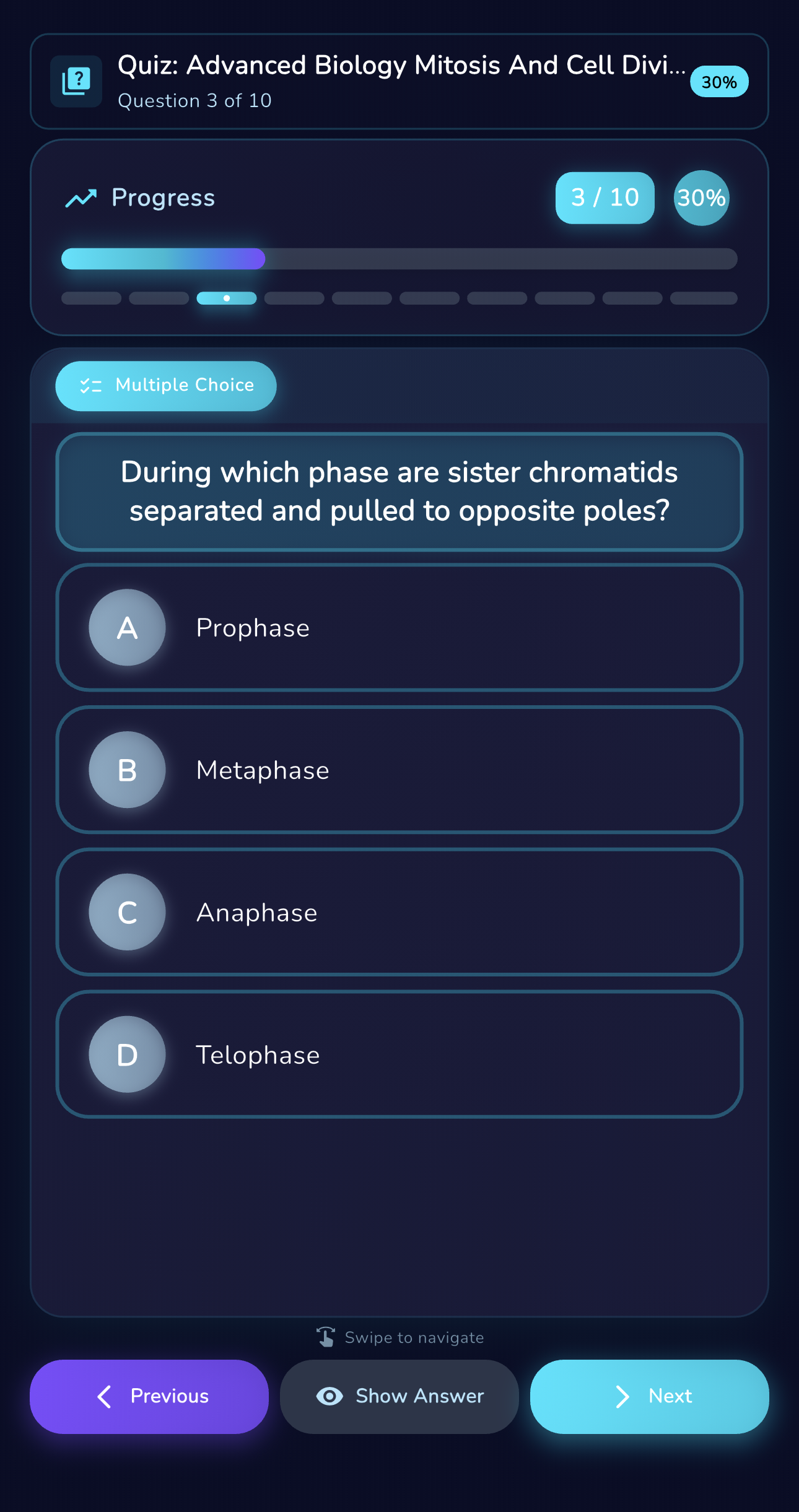
Check understanding with quizzes.
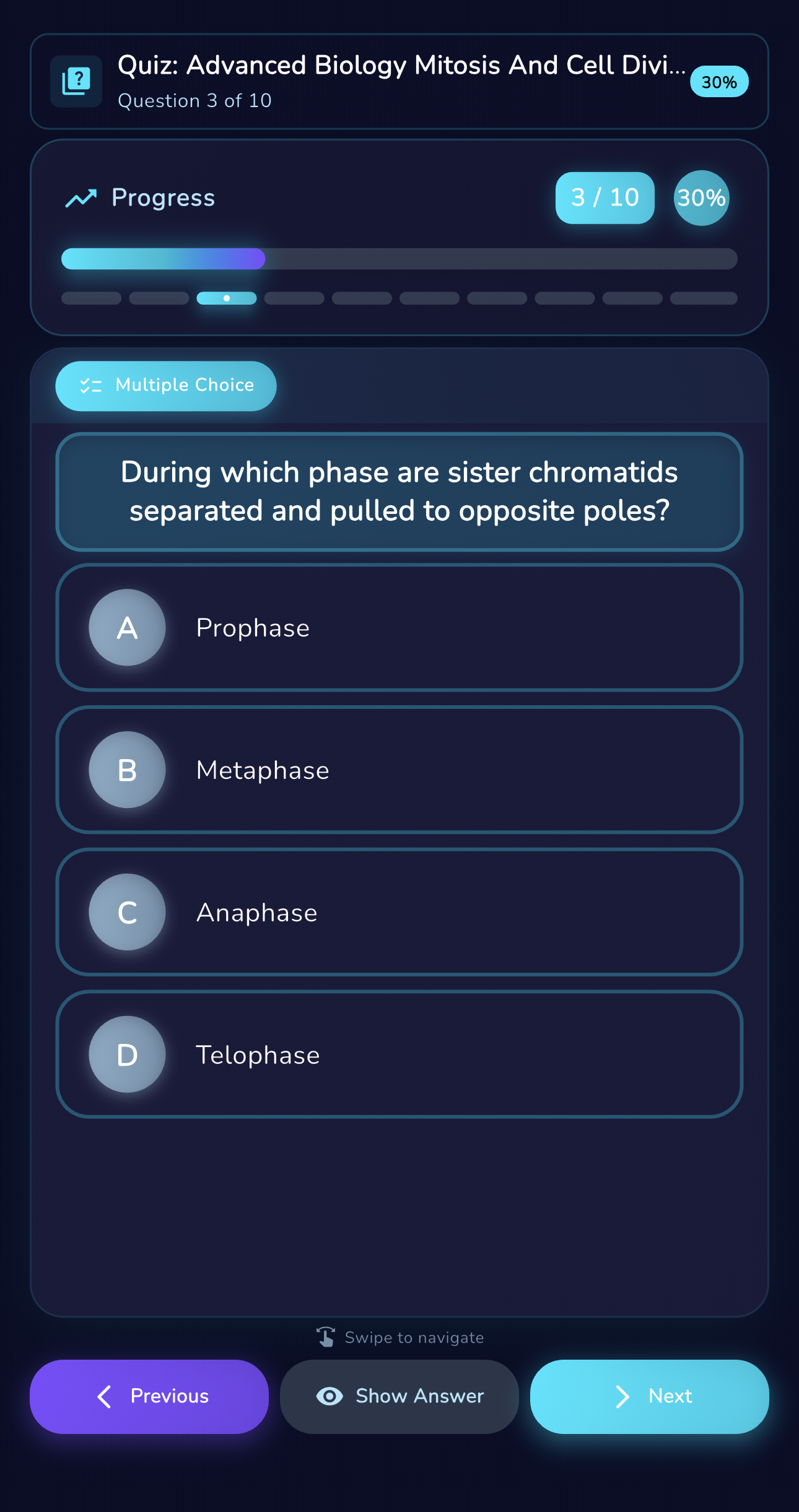
When you are ready to check progress, Quiz Mode uses multiple choice and short answer prompts based on your study set.
Quiz Mode helps you see what you remember without prompts from your notes.
Use it before an exam or after a lecture to decide what needs another review.
Study Plan
A plan you can follow day to day.
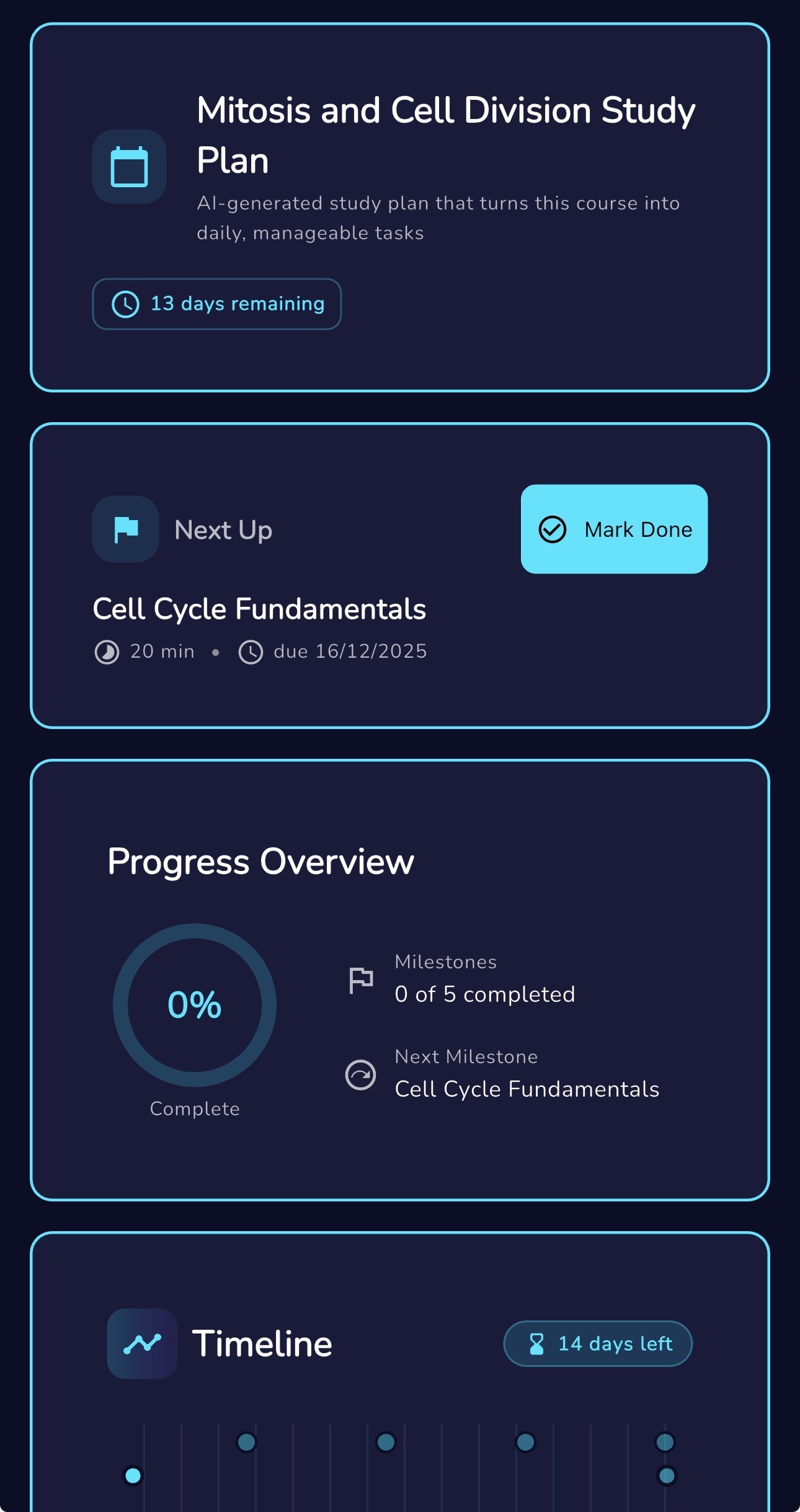
Turn a topic into milestones with clear tasks. Each plan helps you see what is next, how much is left, and what you have already completed.
Plans are built to be adjustable. You can rename, edit, or remove a plan without losing your study set.
Notifications are optional and can be enabled per plan.
Summary
A clear overview before practice.
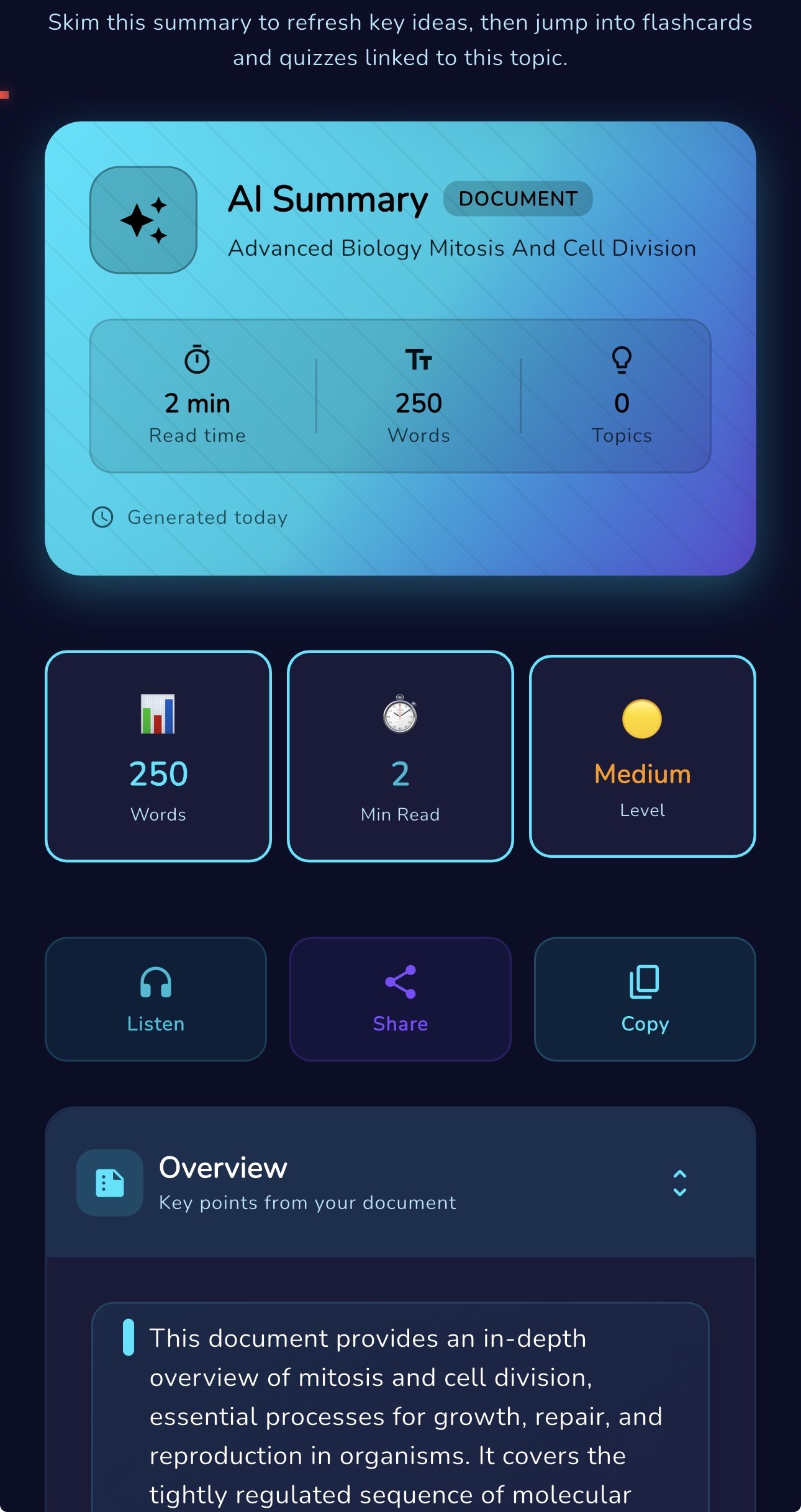
Summaries help you review the main ideas first. Use them to refresh context, then switch into flashcards or quizzes with less time spent searching for what matters.
Summaries include quick reading information and make it easy to revisit sections when you need another pass.
Tokens
Tokens. No subscriptions.
MindLoad uses a token system so you pay when you create new study content. Use tokens for a set, a summary, or a plan, then keep the rest for later. Tokens do not expire.
A token is used when you create new study content. Unused tokens carry over.
Top up when needed
Choose a small pack for quick review or a larger pack for exam season. There are no tiers or billing cycles.
Welcome tokens
New accounts start with tokens to create a first set.
Achievements
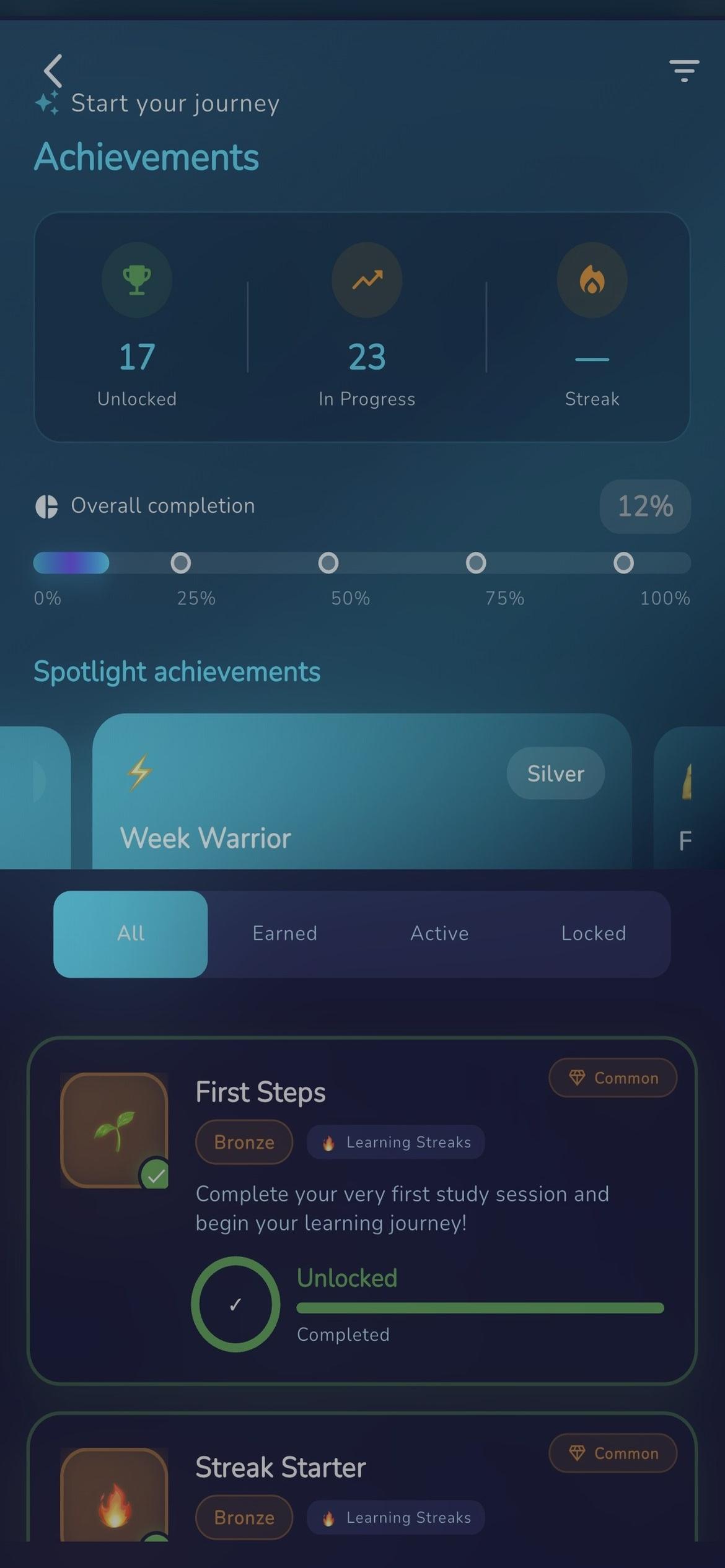
Streaks and milestones can add tokens over time.
Referrals
Invite a friend and both accounts can receive a token bonus.
Screenshots
A quick tour of the flows.
Real MindLoad screens. Built for fast creation, clean practice, and focused review.
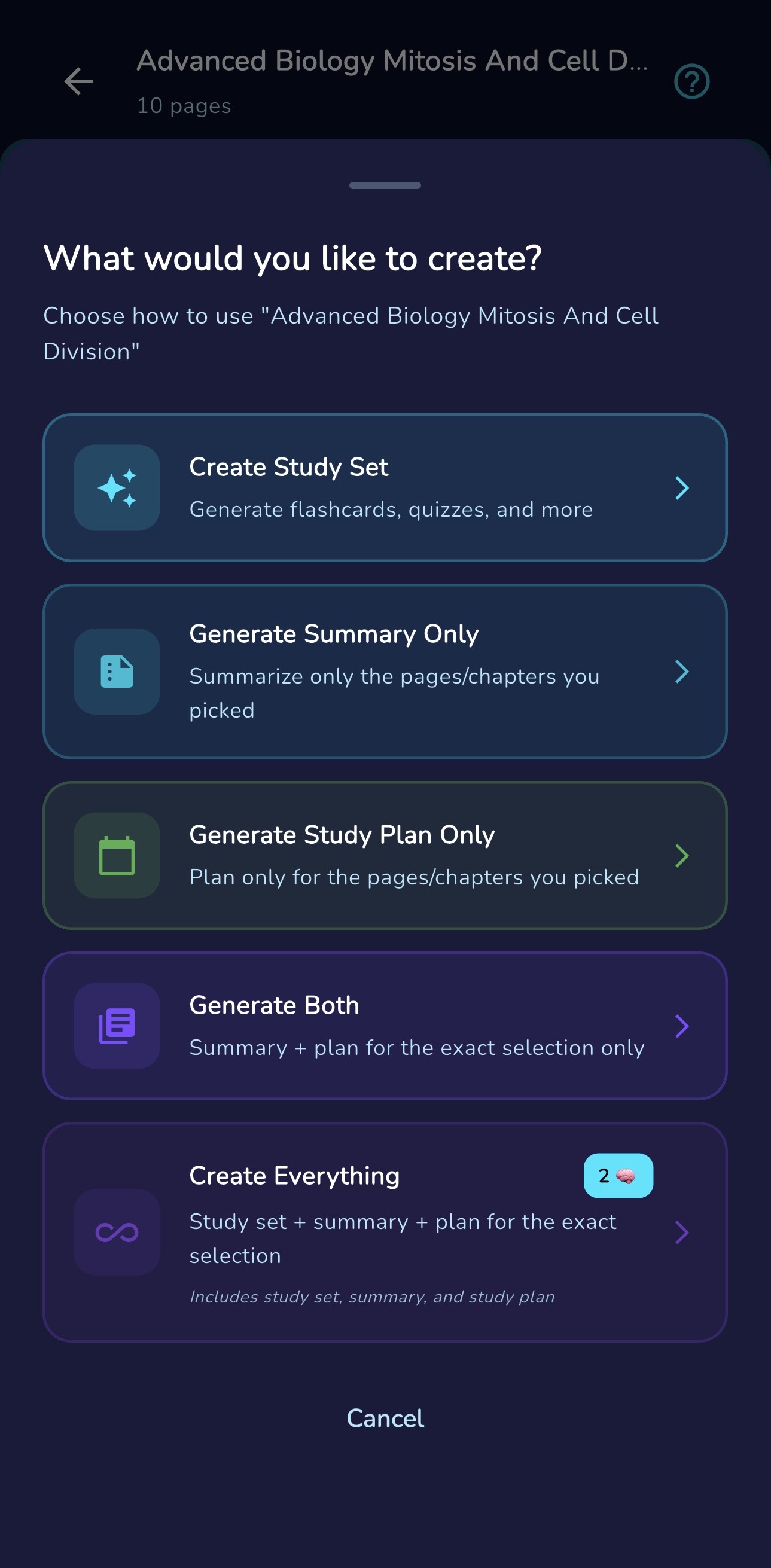
Create
Go from raw material to a ready set.
Load files, scans, or pasted notes and MindLoad assembles the package for you with summaries, flashcards, and a starting plan.
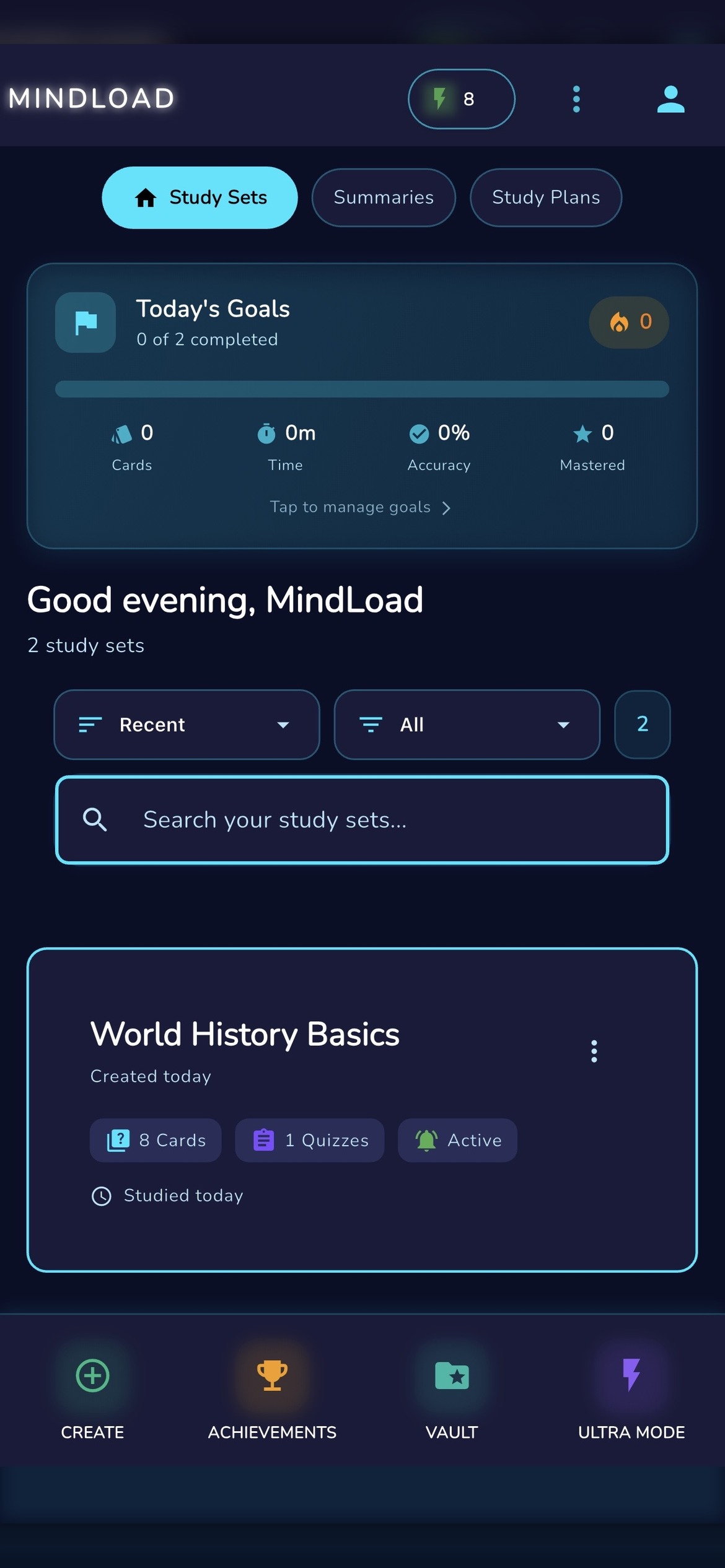
Practice
Mix flashcards and quizzes for active recall.
Keep short reps handy for commutes, then dive into quiz mode when you want a deeper check in.
Achievements
Capture anything and watch your streaks climb.
Scan a textbook page, clip a handout, or just paste text. Progress and streaks keep you returning without nagging.
FAQ
Quick answers, no marketing fog.
What does MindLoad do?
MindLoad helps you generate flashcards and quizzes from study material (notes, pasted text, PDFs, or scans), then practice with focus sessions, reminders, widgets, and offline review.
Does it guarantee better grades?
No. MindLoad can support your study routine, but results depend on your material, your review, and your consistency.
How accurate are study sets?
Study sets can include mistakes. Review important facts, formulas, and definitions against your source material.
What works offline?
Once sets are created, core study flows can continue offline. Some features (like generation) require connectivity.
How do tokens work?
Tokens are used for generating sets. There are no subscriptions. Tokens roll over and don’t expire. You can earn tokens via achievements and buy token packs when needed.
What platforms are supported?
MindLoad is available on iOS and Android.
Still curious? Add your real contact email in the footer.
Get MindLoad
Ready when you are.
Download MindLoad on iOS or Android.